
Skip to content

JOBPLAN · MORE CLARITY. LESS STRESS.

Project planning and files for your team

Organise larger work into projects with their own overview, members and files. Keep information accessible while managing multiple projects.

No payment details required

A clear view of your work
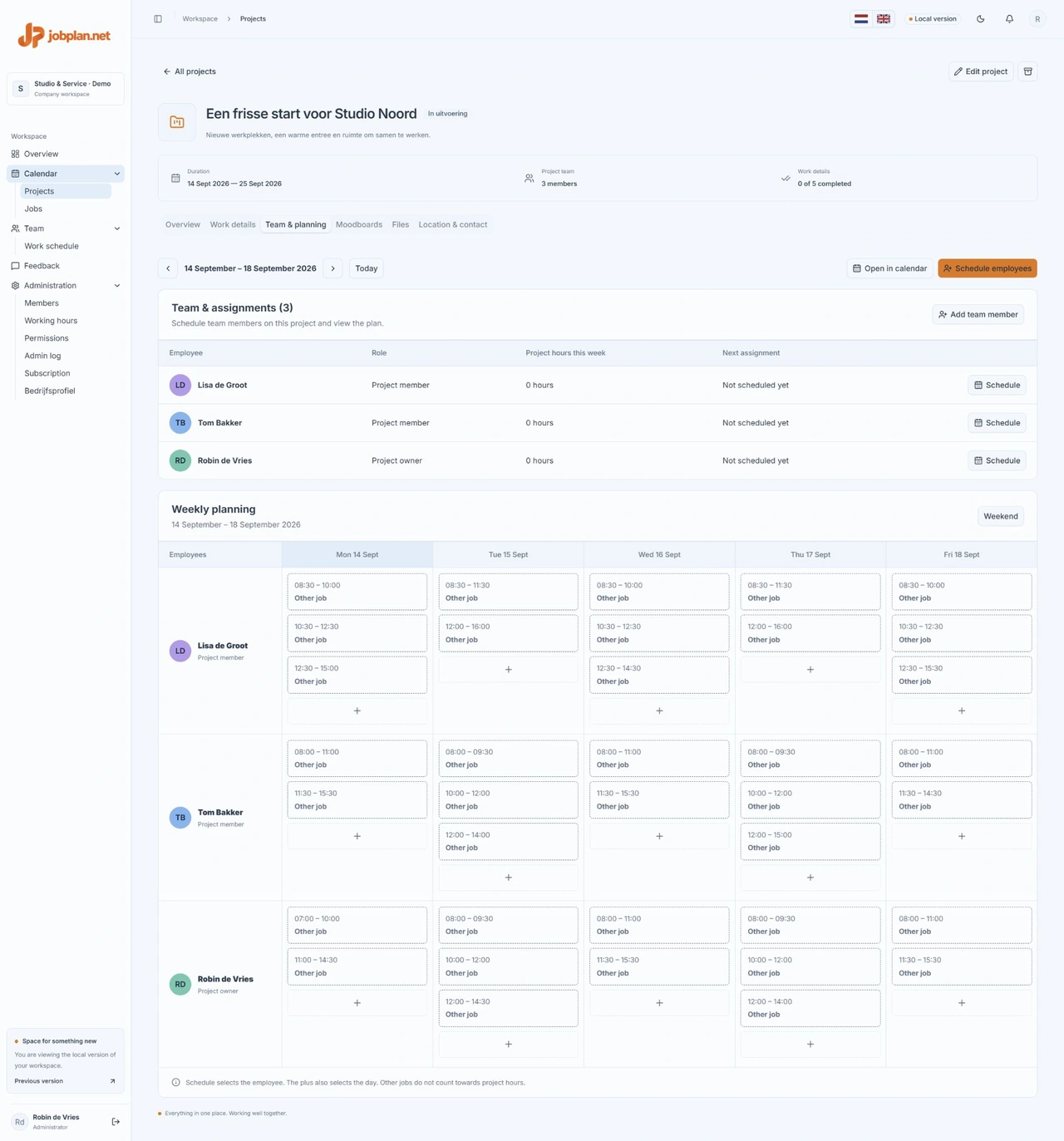
Project team and weekly schedule for a fictional project in Jobplan
A look inside Jobplan. Screens show sample data.

An overview for each project

Record the description, location and project period. Use the overview to find agreements and context.

Work with project members

Add the members involved and manage access to the project. Files and images stay in the right project workspace.

Schedule employees from the project

View the project team and weekly schedule in one place. Choose an employee, date and times from the project. Scheduled work also appears in the calendar, keeping project planning and daily jobs connected.

IN PRACTICE

Start a project clearly

Give the project a recognisable name and record its description, location and period. Add the people involved and store relevant files with the project. Use clear filenames so a colleague can recognise which information is intended for carrying out the work.

Manage several projects at once

Use the project overview to switch between ongoing projects. Keep context and access organised for each project. Team members do not automatically need every project’s information; check project membership and permissions before sharing confidential documents.

Projects and daily jobs

Use the project workspace for context and documents and the calendar for specific work on a given day. When plans change, check both project agreements and the relevant schedule. Archive finished work according to your internal process; archiving is not the same as permanently deleting all data.

A PLAN FOR YOUR WHOLE TEAM

Make room for good work.

Try free for 14 days